Customize
Built for
Your Fleet
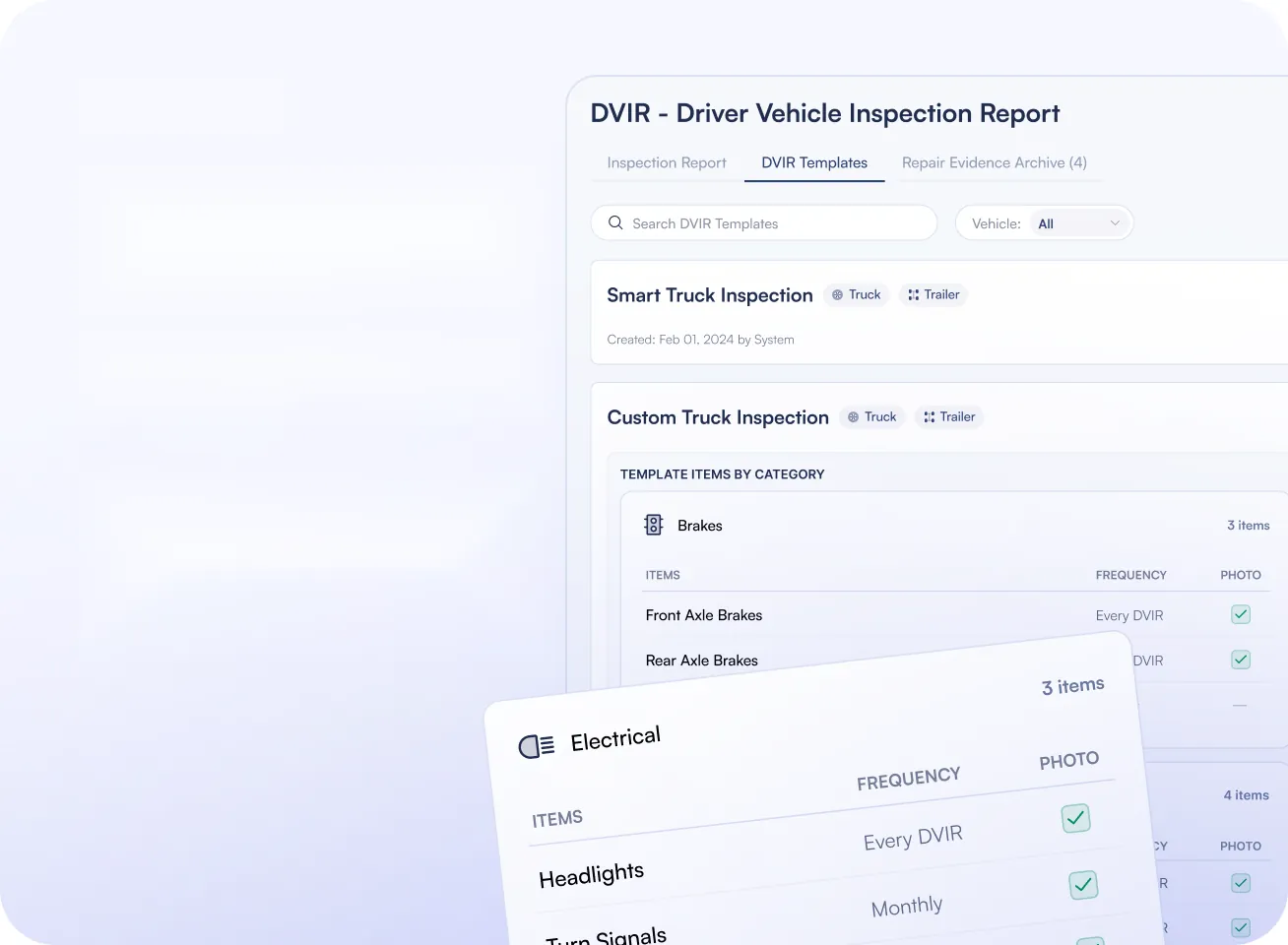
Create inspections around
how your fleet operates.
Turn every inspection into action with custom workflows,
photo proof, instant alerts, and repair tracking — all connected in DVIR+.





From driver check to completed repair
— everything stays connected.
Customize
Create inspections around
how your fleet operates.
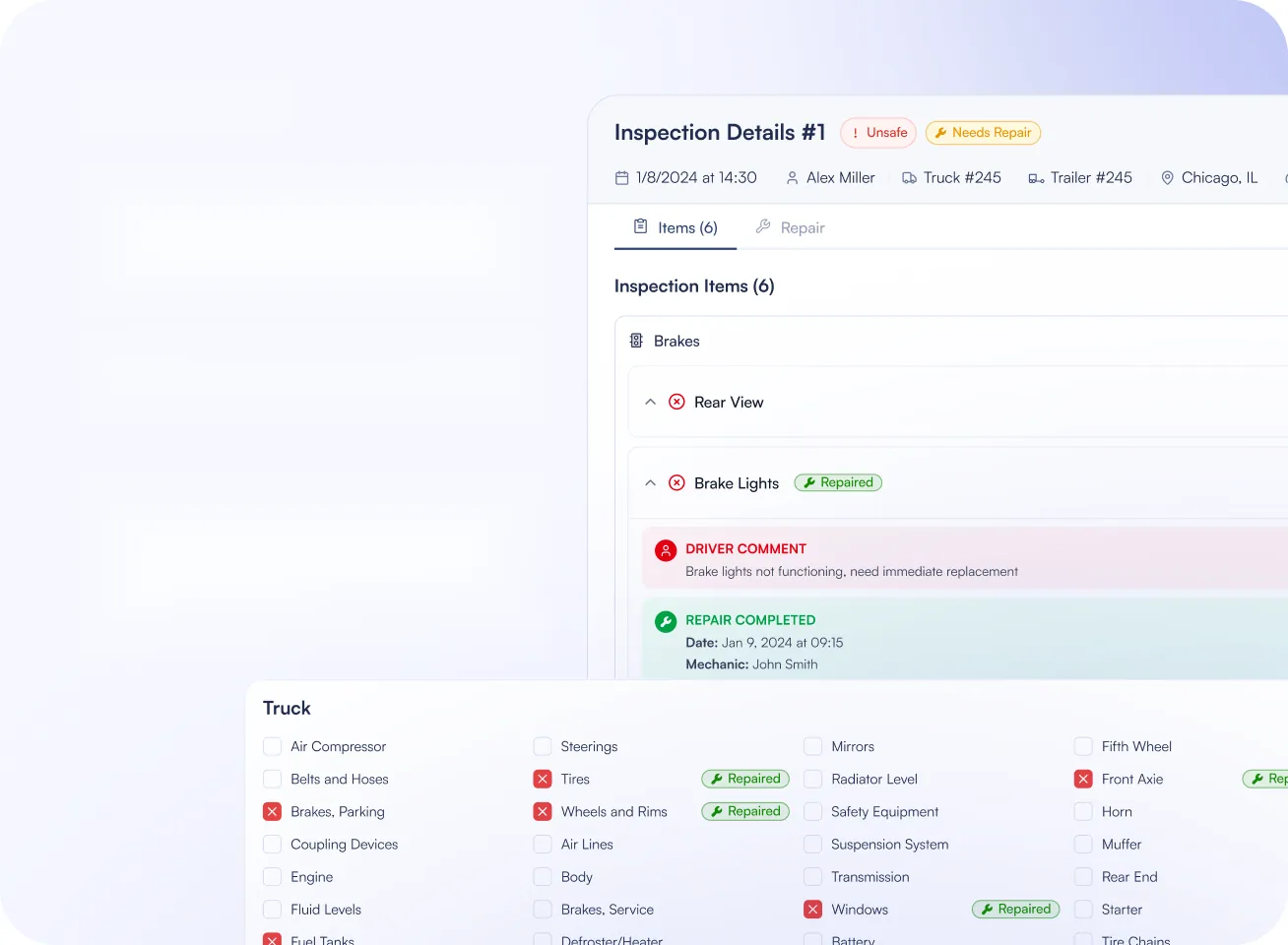
Document
Clear inspection records,
ready when you need them.
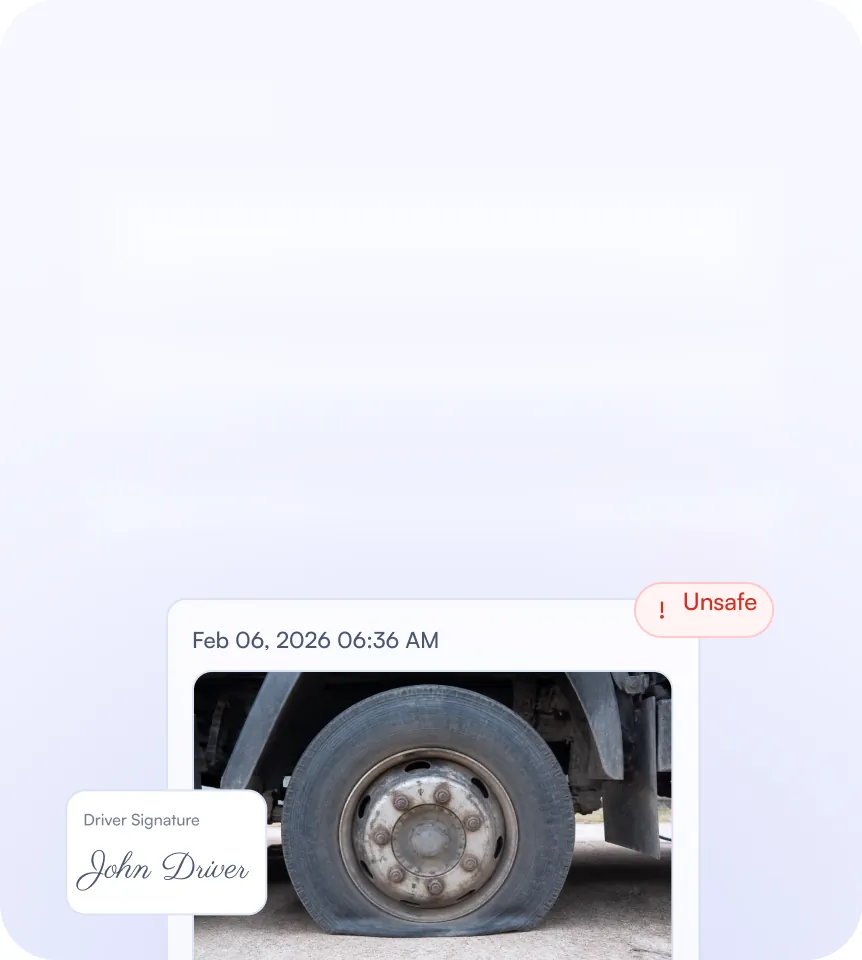
Verify
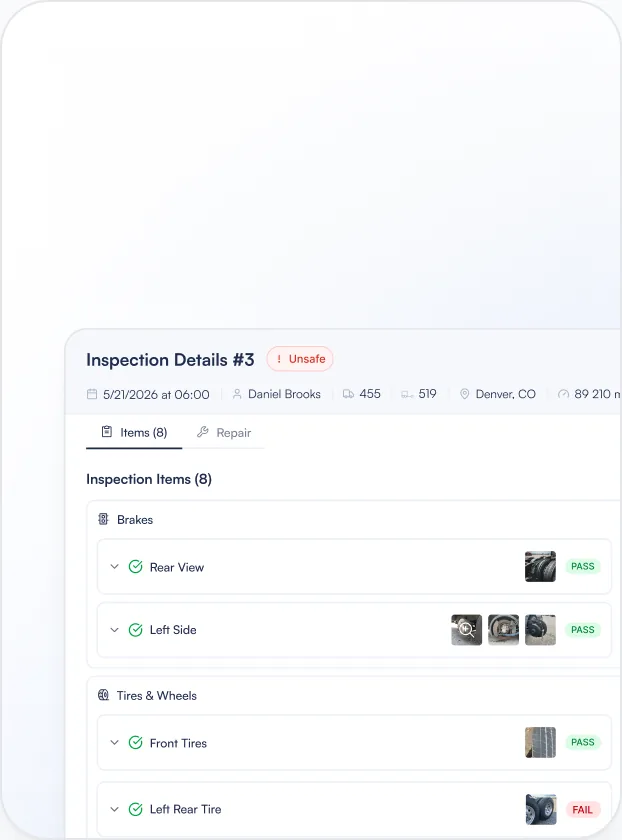
Keep evidence attached
from the moment it is reported.
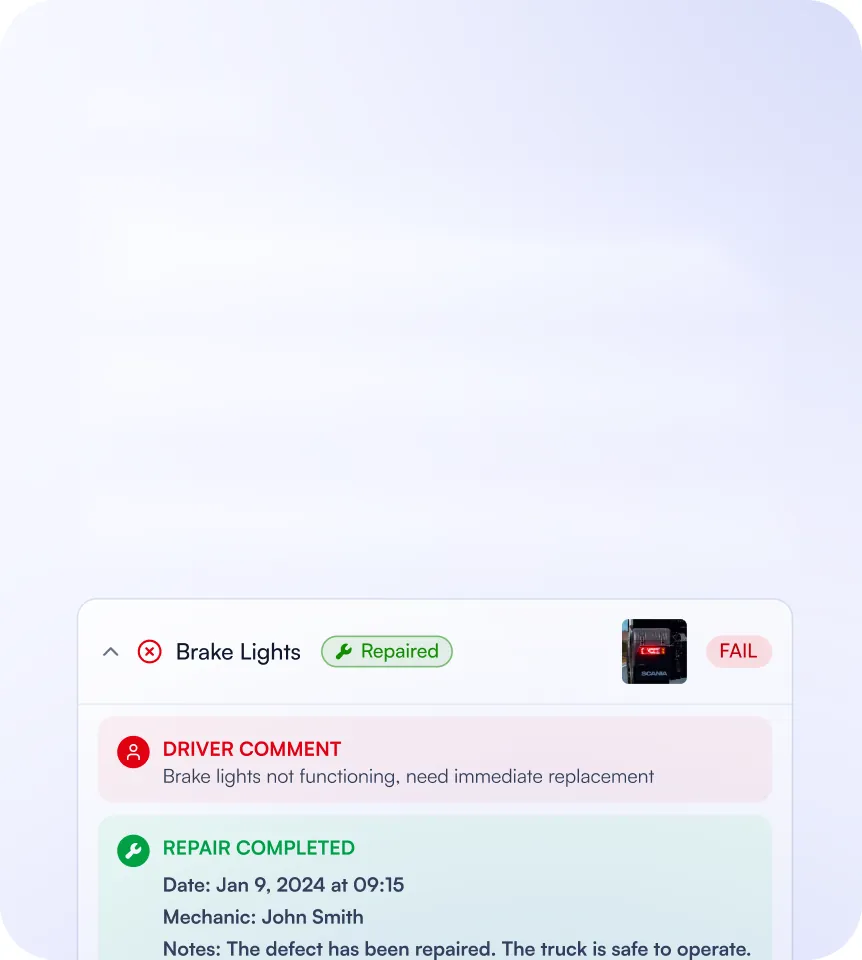
Resolve
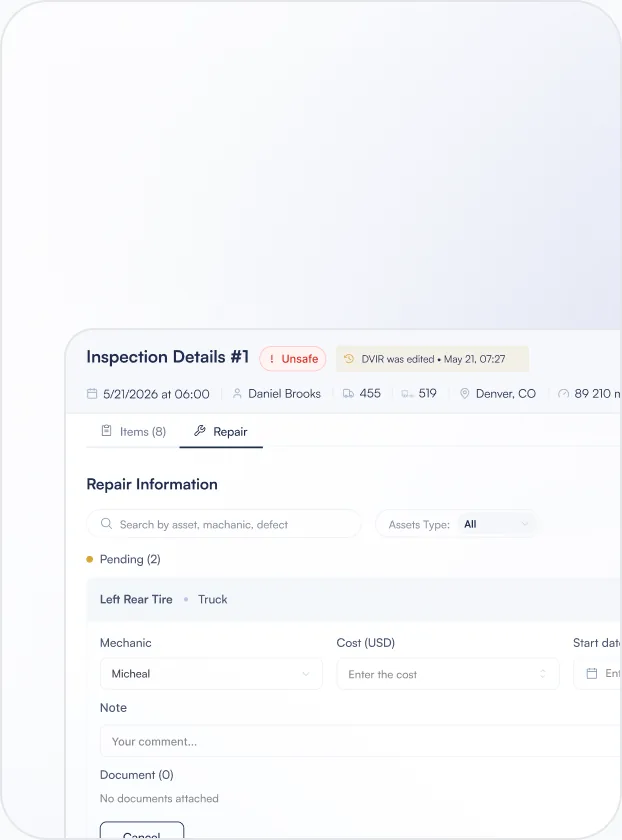
Track issues from initial
report to final resolution.
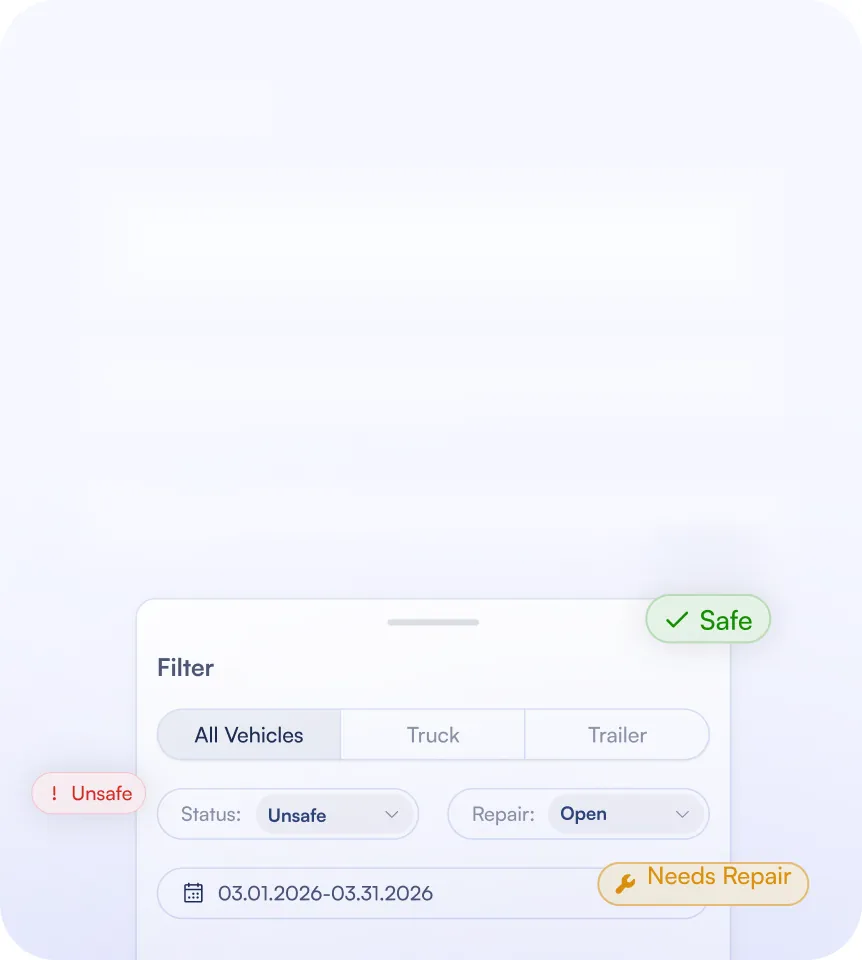
Control
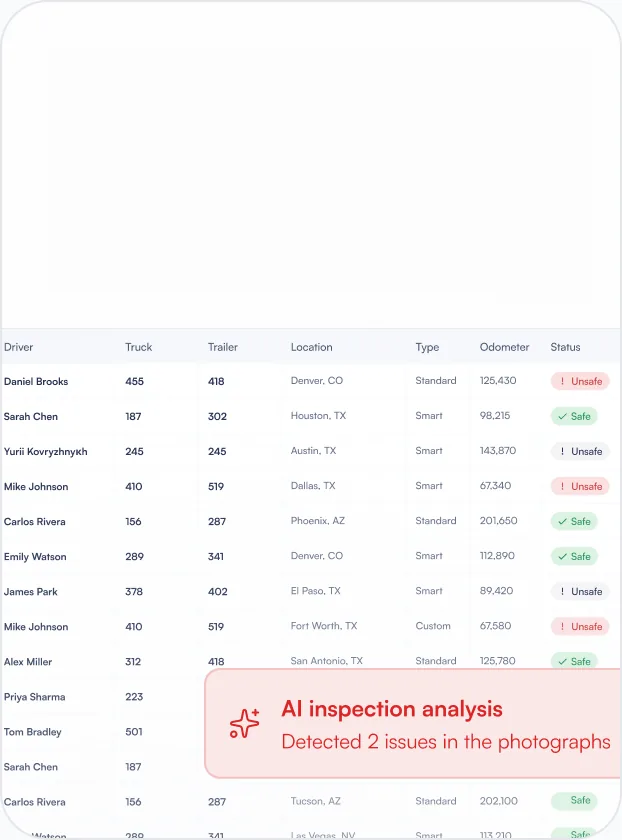
Quickly identify unsafe vehicles
and prioritize actions.
The essentials your fleet needs
from every inspection.
Stay ready
Consistent driver checks, Customizable checklists
Act faster
Instant defect alerts, Clear repair ownership
Keep proof
Photos & signatures, Export-ready reports
Three straightforward steps. Full pipeline visibility.
Four straightforward steps. Full pipeline visibility.
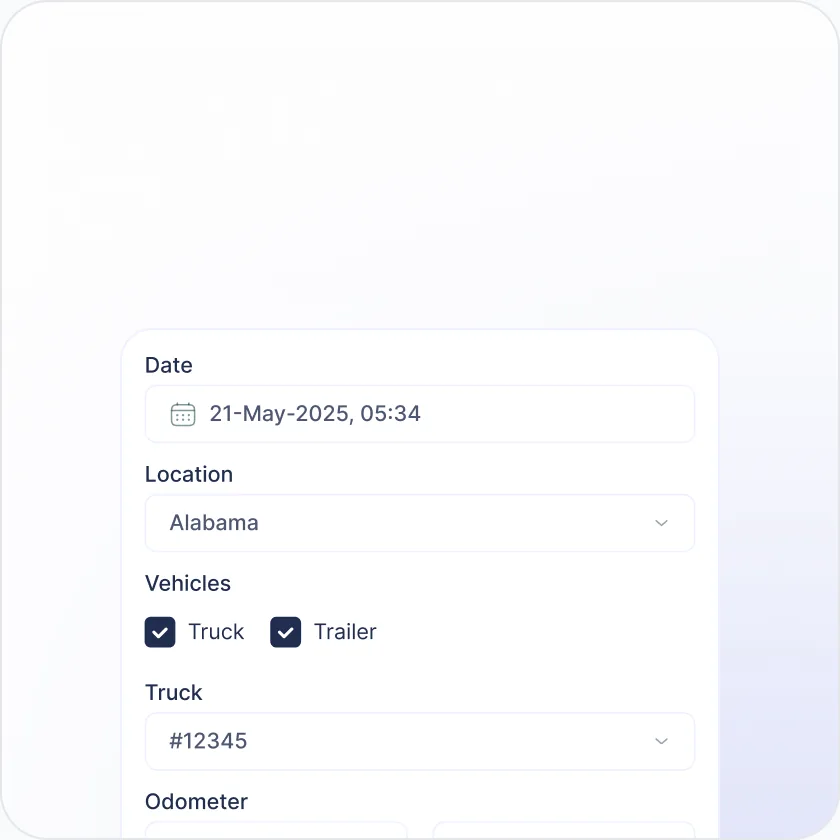
1. Start
Select your truck and trailer,
then start a new inspection.
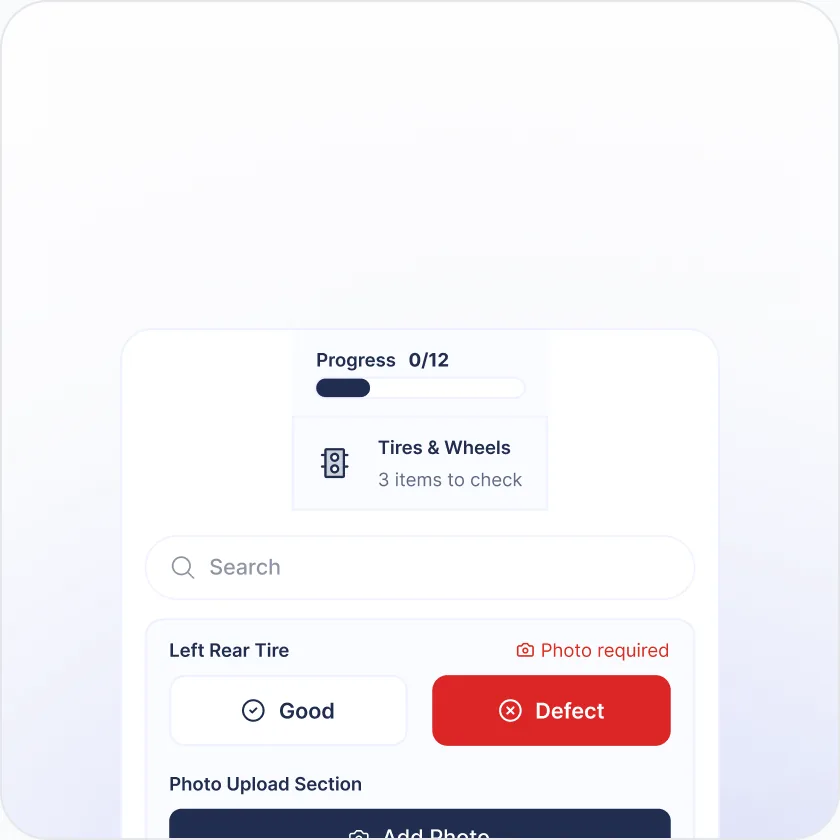
2. Inspect
Evaluate items as Good / Defect,
add required photos and sign.
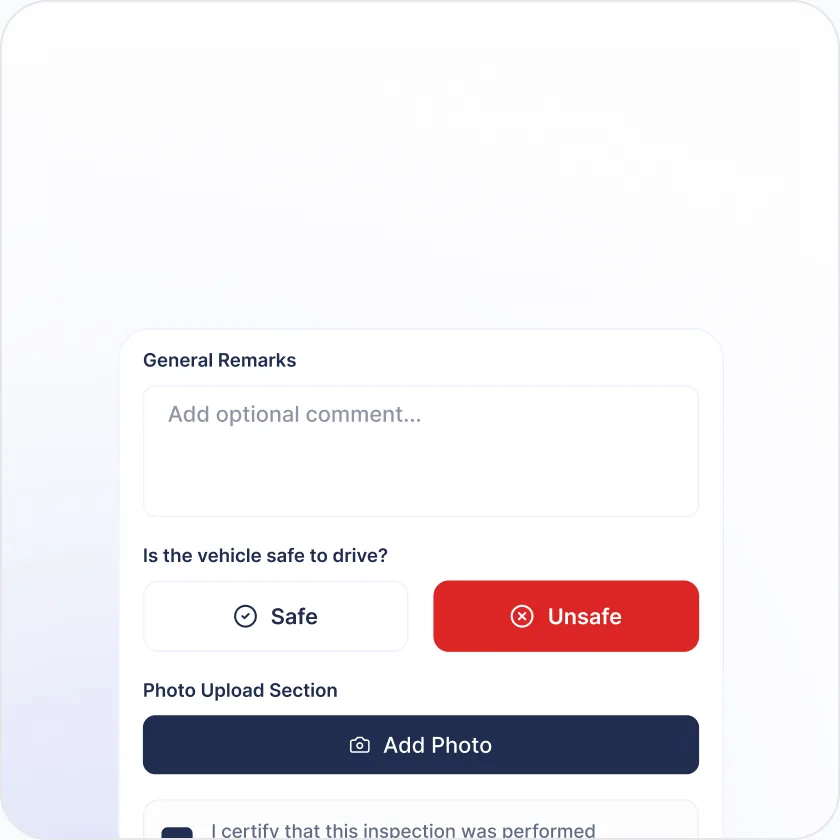
3. Submit
Safe / Unsafe status
+ official FMCSA certification.
1. Start
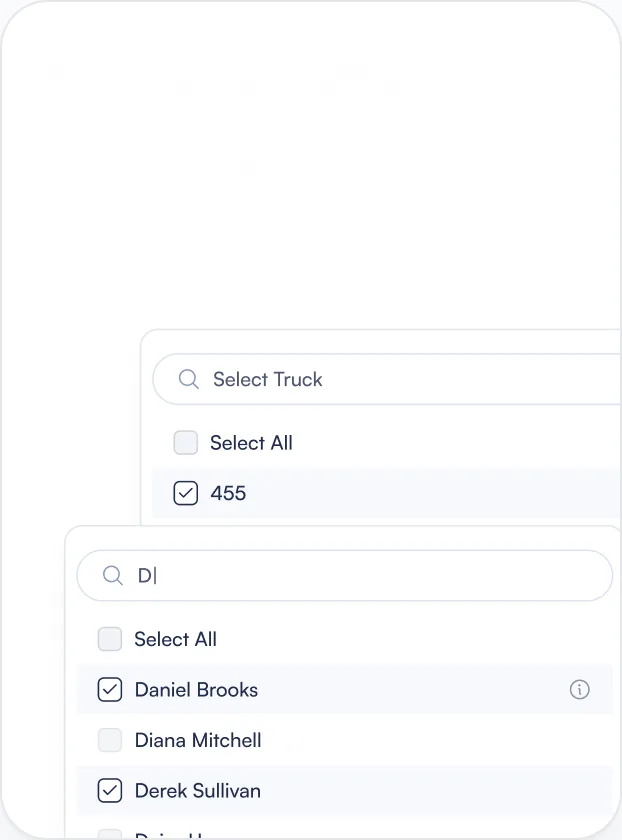
Assign inspections to specific truck types and drivers.
2. Track
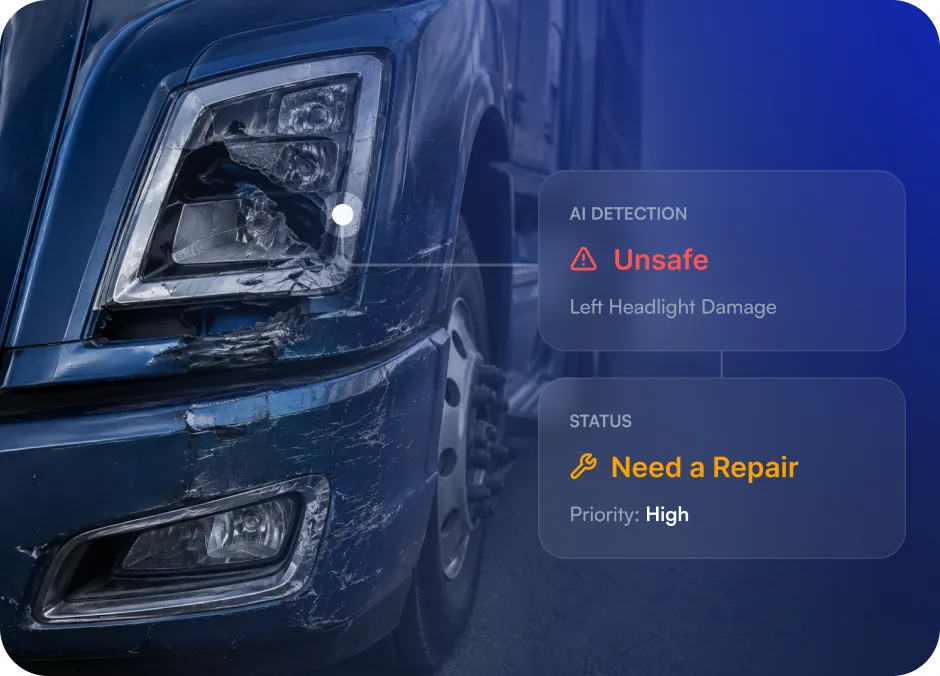
Instant alerts for critical defects with driver signature.
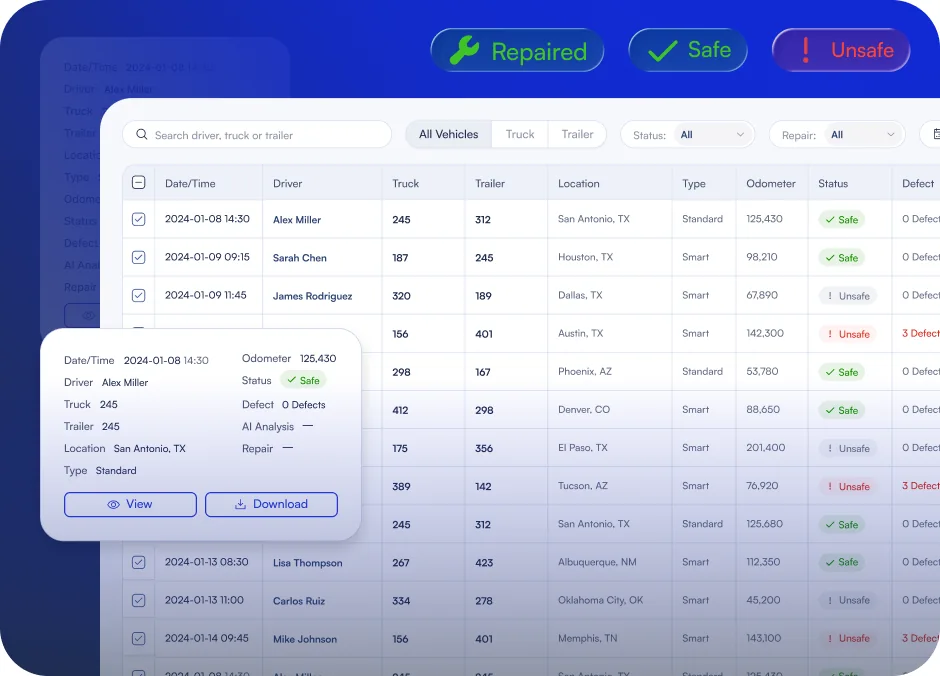
3. Review
Monitor incoming inspections and AI-powered comments in real time.
4. Resolve
Assign a mechanic, track work status, and close the repair loop.
Start with a ready-made template, then customize every section, item, and proof requirement.
Choose a template to get started
6 sections • 32 items
Required Items (19)Photo required: 6
Select All ItemsRequire photo for all
Add Brakes Items
Select All ItemsRequire photo for all
Driver view
Add Inspection Report
Truck: 27, Trailer: 15
Mar 18, 2026, 03:31 PM
Progress0/42
Brakes
Brakes
Photo required
Photo Upload Section
Add PhotoAdd optional comment...Brakes, Parking
Photo Upload Section
Add PhotoAdd optional comment...6 sections • 28 items
Required Items (19)Photo required: 6
Select All ItemsRequire photo for all
Select All ItemsRequire photo for all
Select All ItemsRequire photo for all
Driver view
Add Inspection Report
Truck: 27, Trailer: 15
Mar 18, 2026, 03:31 PM
Progress0/42
Brakes
Brakes
Photo required
Photo Upload Section
Add PhotoAdd optional comment...Brake Connections
Photo Upload Section
Add PhotoAdd optional comment...12 sections • 60 items
Required Items (19)Photo required: 6
Select All ItemsRequire photo for all
Select All ItemsRequire photo for all
Driver view
Add Inspection Report
Truck: 27, Trailer: 15
Mar 18, 2026, 03:31 PM
Progress0/42
Brakes
Brakes
Photo required
Photo Upload Section
Add PhotoAdd optional comment...Brakes, Parking
Photo Upload Section
Add PhotoAdd optional comment...1 section • 1 item
Required Items (1)Photo required: 1
Select All ItemsRequire photo for all
Add Items
Driver view
Add Inspection Report
Truck: 27, Trailer: 15
Mar 18, 2026, 03:31 PM
Progress0/1
Custom Items
Trip Recorder
Photo required
Photo Upload Section
Add PhotoAdd optional comment...
Connect every check, defect,
and repair in one clear workflow.
Common questions about using DVIR+
DVIR+ is a digital vehicle inspection system built into Fortune ELD. Drivers complete inspections in the mobile app, while fleet managers review results, track defects, and manage repairs from one connected platform.
Yes. Create separate templates for trucks, trailers, or specific vehicle types. Add, remove, and reorder inspection items, require photos or comments, and preview the checklist before publishing it to drivers.
The office receives the completed inspection and defect details, including photos, notes, and the driver’s signature. Your team can assign the repair, set its status, and track the issue until it is resolved.
Yes. Photos, comments, timestamps, and driver signatures can be attached directly to inspection items, giving your fleet clear evidence for every reported defect.
Yes. Fleet managers can review complete inspection history and export reports as PDFs for internal records, roadside inspections, audits, or repair documentation.